Search Records
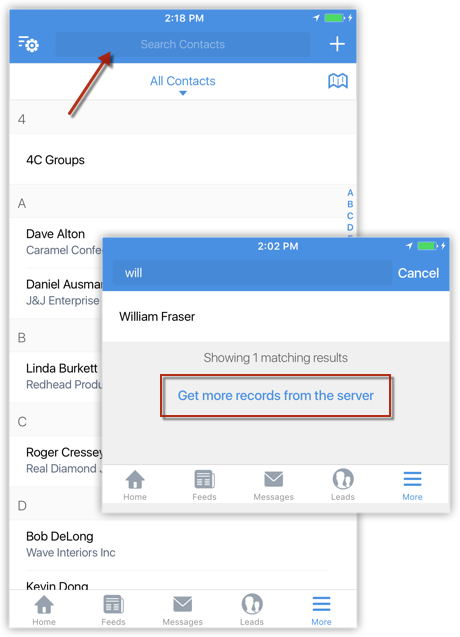
Using the Search feature, you can locate specific information or specific records without having to go through the entire list of records. From the list of matching records, if any record is online (retrieved from the server) and not locally stored in your device, then it will be automatically downloaded to your device when you open it.You can search records that exist in the device by specifying the search criteria fields. See Also Define Search Criteria Fields
To search records
- Go to any module.
- Enter the text in the search box to search the records in the device or the server.
As you enter, the matching records will be listed. - Tap Device or Server to search records in the device or from the server respectively.